Workbench FAQ
Learn how to use Workbench efficiently and make the most out of its features.
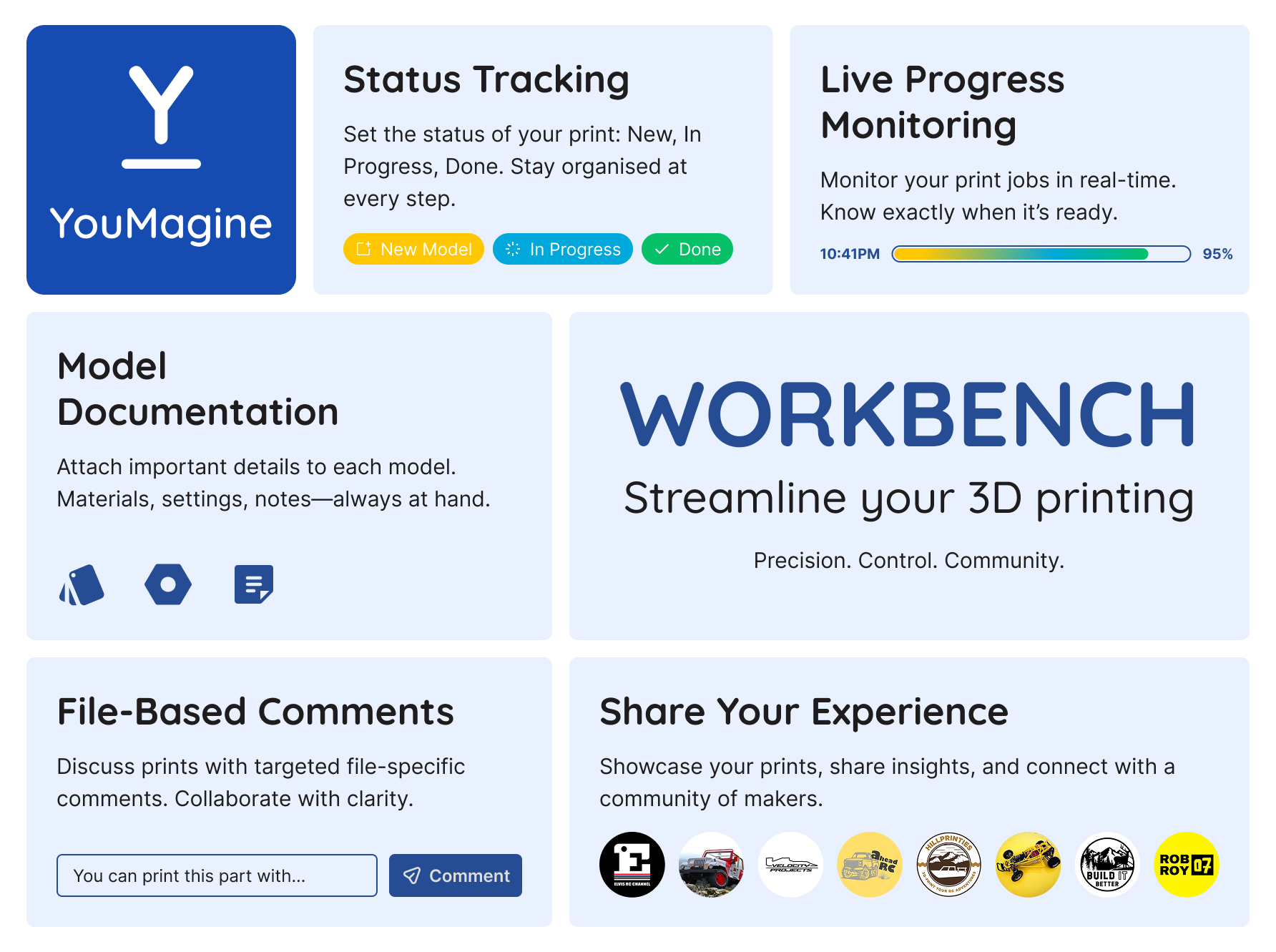
Key Features
- Purchased model listing - All your purchased models are automatically available in Workbench. You don't need to do anything after purchase.
- Tracking file printing statuses - Keep an eye on the progress of your prints with automatic and manual status updates.
- Detailed printing settings for each file - Access specific settings such as material type, layer height, and print speed. If no printing parameters are available, it means the creator has not provided them for this particular design or file.
- Automatic notification when file is printed - Receive instant updates when your print job is complete.
- Sharing experience with other makers through comments - Connect with other makers by leaving feedback, tips, and insights in the comments section of each file.
Frequently Asked Questions
How do I add a purchased model to Workbench?
You don’t need to manually add any purchased model. Once you complete a purchase, your models will automatically appear in the 'Workshop'.
How do I track my file’s printing status?
Workbench allows you to track your print status in real-time. You can manually update the status. You will be receiving notification when file is printed based on provided printing times.
Can I set custom printing settings for each file?
Yes, Workbench provides detailed printing settings, including material type, layer height, and print speed. If no printing parameters are available, it means the creator has not provided them for this particular design or file.
How do I receive notifications when printing is done?
Workbench has an automatic notification system that alerts you when your print is completed.
How can I share my experience with others?
You can share your experience by leaving comments on each file’s page. Discuss your printing results, offer tips, and engage with the YouMagine community.

 Free
Free